🐈 NanoCat
A tiny test model, trained on my website.
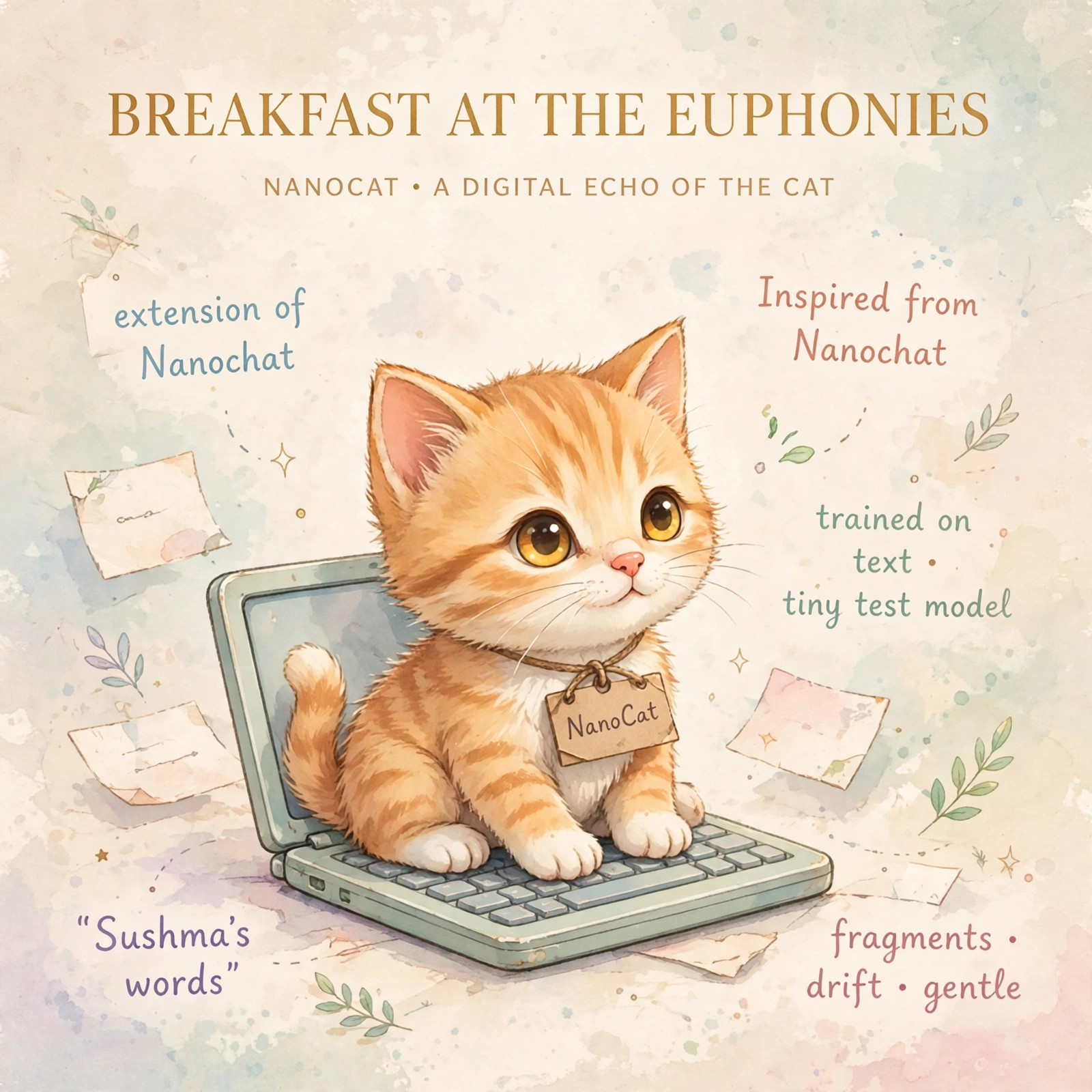
NanoCat is a small language model I trained as a test, on my own website text: the homepage tabs, the narration of my videos, and the 112 questions Cat answers. It is a branch of Karpathy’s Nanochat, trained on my laptop. It is a proof of concept, not a real chatbot: at this size it mostly parrots Cat’s phrases and answers the 112 questions approximately. That is the honest point of it — to see what a tiny model learns from a tiny, personal corpus.
The model itself only runs on a computer where someone starts it — there is no hosted NanoCat server, and this page has no chat box. The questions below are answered from the same fixed offline list Cat uses, in Sushma’s own words, so nothing here can be made to say anything new.
Prefer to watch? The video about NanoCat is on YouTube ↗
The chat is currently disabled — we are not hosting the model. We just want to show how this could potentially work, if anyone else wants to take this inspiration forward.
Below are the 112 questions NanoCat was taught, with their answers in Sushma’s own words. To run the model yourself, see “How to run it yourself” below — it runs on your own computer, not here.
Please use Cat for offline conversation without the NanoCat model.
How to run it yourself
NanoCat lives on the nanocat branch of my nanochat fork. To train it and start the server, on a computer with Python and WSL (or macOS / Linux):
# 1. Get the branch and train it (about 30–60 minutes)
git clone https://github.com/sushmaakoju/nanochat.git
cd nanochat
git checkout nanocat
bash runs/nanocat_cpu.sh

# 2. Start the model server
export NANOCHAT_BASE_DIR=$HOME/.cache/nanocat
source .venv/bin/activate
python -m scripts.chat_web --device-type cpu

# 3. Chat with it at http://localhost:8000 (its own page), or from the terminal below
Prefer the terminal? python -m scripts.chat_cli --device-type cpu chats with it right there. The training data is in nanocat/ in the branch: the website corpus, the FAQ conversations, and the instructions.
Cat, the conversational cat on this website, is different: she answers the same 112 questions by keyword matching in your browser — no model, no server, entirely offline. She is here.
All the questions it was taught
The same 112 questions Cat answers. Tap any of them to see its answer, from the fixed list.